
 العربية
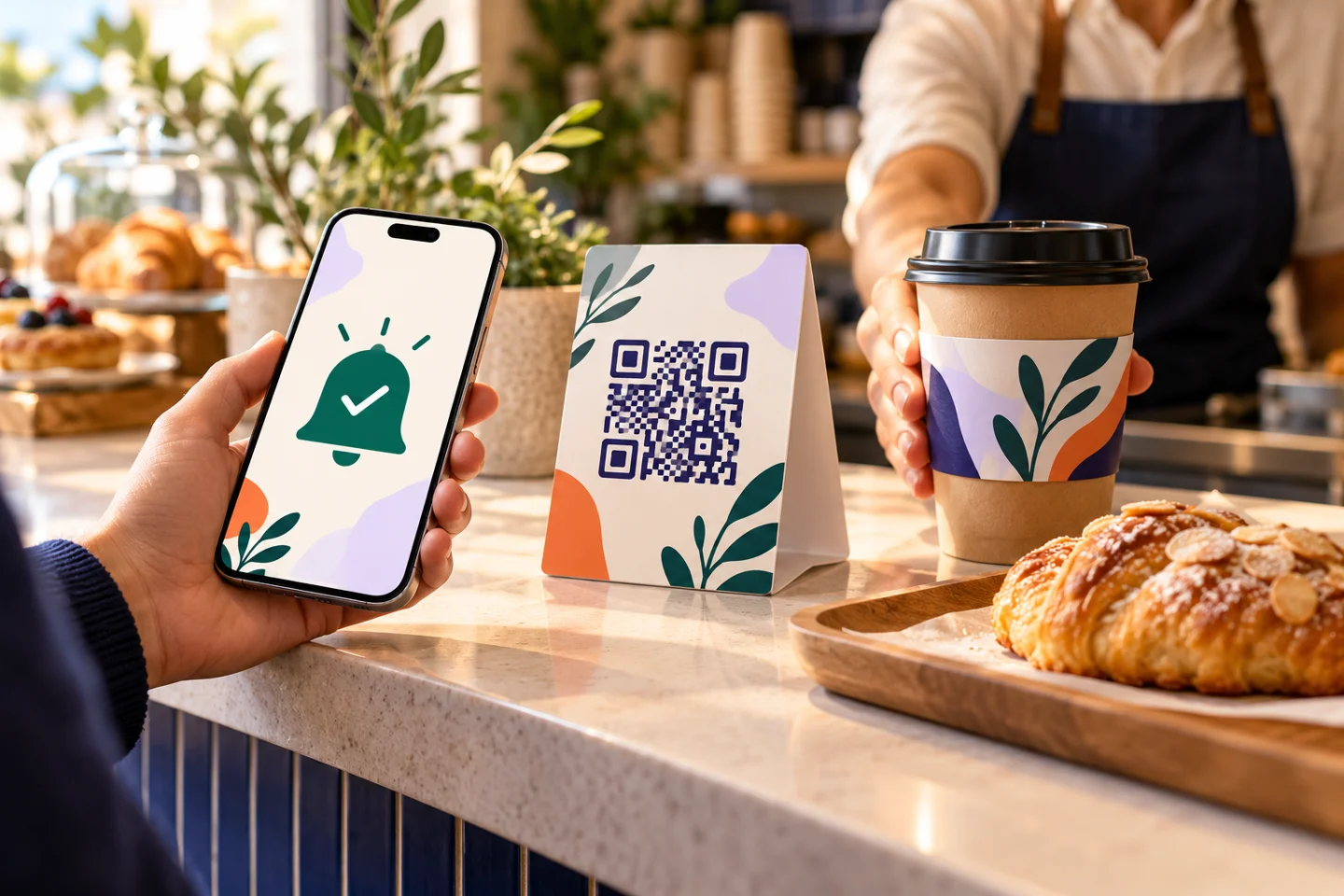
A guest scans a QR code and orders, then asks the cashier whether preparation is finished. A mobile restaurant pager connects readiness with a customer alert and clear collection instructions. Its usefulness depends on branch operations and notification delivery, not the code alone.
How does a mobile restaurant pager fit the journey?
The customer opens the menu, completes an order, follows its status and receives an alert when the responsible person marks it ready, according to the supported workflow. Before advertising it, see what appears on the phone and what staff must do.
From scanning to confirmation
Make menu access understandable and establish the branch and fulfillment method. Review selections, total and confirmation. Opening a menu or adding an item to a basket does not mean an order has reached staff.
From preparation to collection
After preparation is complete, the operator updates readiness and the alert follows the agreed route. Customers need an order identifier or verification method and a collection point. Otherwise, notifications may simply create confusion at the counter.
What should you test on phones?
Use several devices and networks in the real waiting area. Ask the team to explain any need to keep a page open, allow notifications or complete another step. Different alert methods may have different requirements.
Test a customer who blocks notifications, closes the page or loses connectivity. Record what happens and what staff can see. Avoid promising universal delivery; agree a fallback that does not require the customer to place the order again.
Do not mark a partially prepared order ready
If a purchase contains a drink and pastries, readiness should reflect the complete order. Decide who checks it before changing the status and how the order number is verified at handover.
Train a main operator and backup in the same steps. With several branches, the process must remain tied to the right location. A timely alert is not useful if the food is waiting somewhere else.
Compare it with a physical pager
Separate hardware and a customer's phone have different equipment, return, connectivity and usability requirements. Compare cost, audience and waiting arrangements. The word “pager” does not establish that physical devices are included in a software subscription.
Elordar includes an interactive menu and a pager function for order-ready alerts within an agreed operating workflow. Request a demonstration from scanning to collection. Confirm the notification method, requirements and any associated charges or equipment for your café or takeaway restaurant in Egypt.
FAQs
Does “pager” mean a WhatsApp message?
Not necessarily. It describes the alert function rather than its delivery channel. Do not advertise WhatsApp or SMS without confirmation.
Must customers install an app?
The menu can open in a mobile browser. Requirements for the readiness alert depend on the supported journey and must be tested.
Does the alert replace collection staff?
Staff still verify the order number and contents and record handover. An alert supports communication; it does not perform these tasks.
See the ready alert before launch
Try Elordar's mobile restaurant pager on your phone and test a failed-notification case too. Customers and staff should understand what happens in both situations.

Branded ordering for the local businesses people already love.
