
 العربية
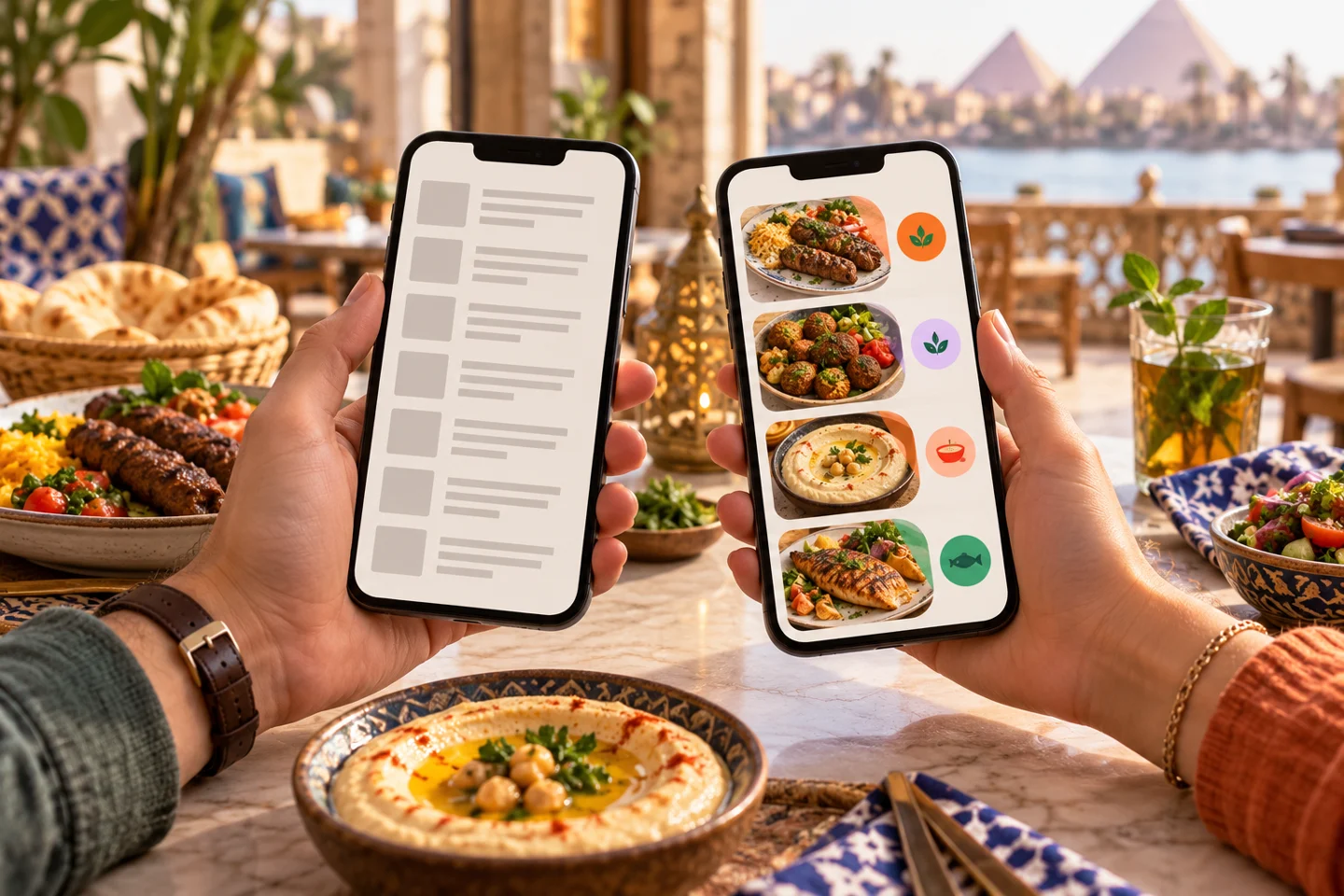
A code on a table might open a file on Google Drive or an interactive list with categories, choices and a basket. Both use a QR code for access. When comparing a QR menu vs PDF, what happens after the scan determines the value for the guest and restaurant.
If your current file is readable and helps customers choose, a newer format is not sufficient reason to replace it. Identify the problem: reading, price updates or turning selections into a clear order.
QR menu vs PDF: access and functionality
A QR code holds a link. Its destination might be a PDF, an interactive menu or an ordering website. Ask about the destination and its functions, then test them. A well-designed printed code is not itself a menu-management system.
When a PDF may be enough
A short menu with infrequent price changes may work well when staff take orders. Prepare a file that is readable on a small screen and reasonable to download. Open it without the owner's account to check that guests do not face sign-in or access-permission requests.
When an interactive menu is useful
Consider it when you need search, categories, options, branch availability or ordering. You can then update a particular item and show customers which selections are free and which cost extra before they confirm.
Compare the tasks that matter
| Task | PDF behind a link | Interactive ordering menu |
|---|---|---|
| Reading | Depends on file design | Can be arranged for small screens |
| Updating a price | Edit or replace the file | Change the product record |
| Choosing a size | Read it and tell staff | Select within the product if enabled |
| Placing an order | Usually requires another channel | Basket and confirmation, depending on scope |
| Measuring purchases | Opening a file does not prove a sale | Completed orders provide clearer usage evidence |
This table is not a promise that every interactive service includes every function. Some only display products, others create a WhatsApp message, and others receive orders in a dashboard. See the route your team will actually operate.
Must the printed code change with every update?
Not necessarily. A Google Drive file may retain its address when its version is replaced appropriately. An interactive page can also keep its address. Link continuity matters more than file format alone.
Ask who controls the domain and what happens to the link when a subscription or provider changes. Test the code on two phones, under table lighting and from a realistic distance, before printing a large batch. A code that scans on a designer's screen may need better size or contrast in print.
From viewing to an order-ready alert
Elordar's interactive menu can connect access with ordering and its pager function for order-ready notifications, according to the agreed workflow. Customers need to understand the order status and where to collect it.
Test alerts on the phones your guests use and establish an alternative if an alert does not arrive. The word “pager” does not establish that separate hardware or a particular messaging channel is included.
FAQs
Can the same link appear on Instagram and a QR code?
Yes, when it is public and shareable. Test it outside the administration account and verify the displayed branch and service options.
Will an interactive menu always make ordering faster?
Results depend on menu structure, clear options and staff response. Measure time and errors instead of assuming improvement.
Do all products need new photographs?
Start with accurate images you have permission to use. Avoid images suggesting portions or ingredients you do not supply.
Choose the function before printing
Ask Elordar to demonstrate your current menu through ordering and collection. A QR menu vs PDF comparison becomes useful when you see the difference for both guests and staff.

Branded ordering for the local businesses people already love.
