
 العربية
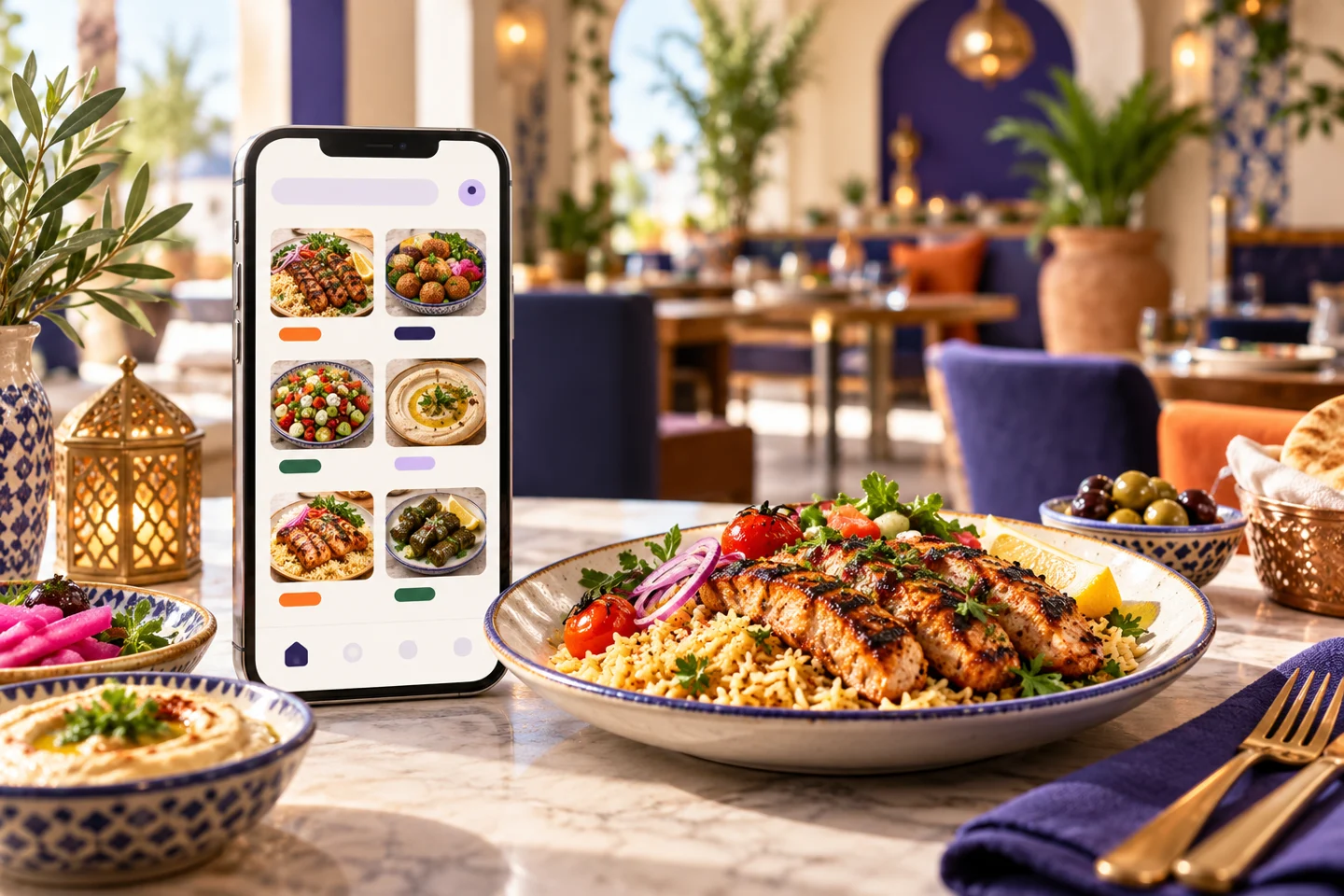
When someone opens your restaurant menu on a phone, can they check availability, choose a size and complete an order, or do they need to call? A digital menu for restaurants should be chosen around that task. Clear photography helps, but Egyptian restaurant owners also need accurate prices, understandable options and a reliable route from the customer to the order handler.
What should a digital menu for restaurants do?
A digital menu can be a read-only file, a searchable page, or a menu connected to a basket and ordering system. These are different services with different costs and responsibilities. Decide which level you need before comparing offers with similar names.
If you only need to display products
Focus on readable names and prices, useful categories and straightforward updates. You do not need online ordering simply because you want to stop reprinting menus. Keep an alternative available for guests who cannot use a phone.
If you want to accept orders
Test sizes, paid extras, the basket and pickup or delivery choices. Customers should see the total and confirm the branch. Staff should know that an order has arrived. An attractive screen alone does not establish this workflow.
Prepare menu data and a price-update process
Record each product's name, description, selling unit and price. “Mixed box” is insufficient when three sizes are available. Explain what each size contains and which choices change the price. Use photographs that represent the product customers will receive; do not postpone price approval while waiting for photography.
For a dessert shop, distinguish individual pieces, boxes and fixed weights. For a café, review cup sizes, milk choices and paid extras. A business with several branches must check availability at the selected location rather than display products every branch cannot supply.
Test the complete customer journey
Ask someone unfamiliar with setup to open the link and order an item with a paid extra. Watch where they hesitate, then check what staff receive. Test pickup and delivery separately if both will be offered.
Include difficult cases: a sold-out product, a missing selection, a closed branch or an incomplete payment. Agree who updates availability and who investigates exceptions. These tests often reveal more than a perfect demonstration order.
Compare equivalent offers in Egypt
List what each quote includes: menu display, ordering, languages, branches, training and support. Separate subscription charges from payment fees, delivery and optional services. A read-only menu is a different purchase from a website, apps and an operating dashboard.
Elordar provides an interactive menu within a merchant-branded ordering channel, including a website, iOS and Android apps, menu tools, branches, orders, loyalty and reporting. Launch services include menu entry, app publication, staff training and agreed launch assistance. Photography and branding are quoted separately.
FAQs
Must customers download an app?
They can access the ordering website through their mobile browser. The app is another channel, particularly for returning customers, rather than a requirement for viewing the website menu.
Can prices change after printing a QR code?
Yes, if the linked page address stays the same and its content is updated. Changing the address may require a redirect or a new code.
Does a digital menu replace the POS?
That depends on confirmed scope and integration. A menu and basket do not establish accounting, ingredient inventory or compatibility with your existing POS.
Try your own menu first
Before choosing a digital menu for restaurants, prepare three products with your most demanding options. Ask Elordar to demonstrate the journey from selection to staff receipt using those items.

Branded ordering for the local businesses people already love.
