
 العربية
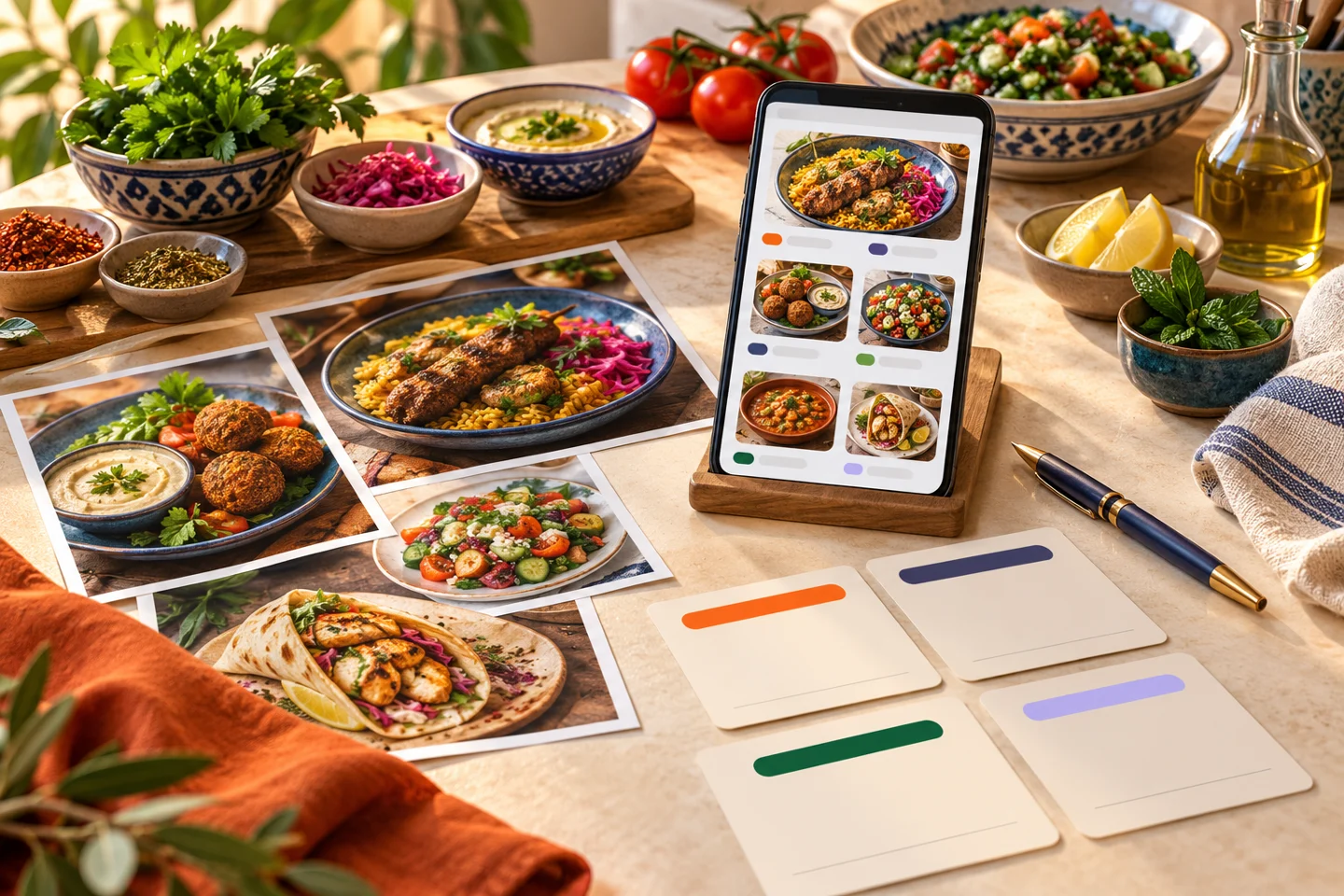
An owner sends a menu photograph, then the setup team discovers that a listed price covers only the smallest size. Restaurant menu preparation for online ordering needs more detail than a printed list. Customers choose without an employee explaining every line, so units, options and costs must be explicit.
Begin restaurant menu preparation with an approval file
Keep one record per product containing its name, category, description, unit, prices, options, image and availability. Name the person approving the final version. Scattered message updates make the current price harder to establish.
Product name and selling unit
State whether the item is sold by piece, box or fixed size and what customers should expect. Use a name staff recognize and a short description covering information the name alone cannot convey.
Choices and extras
Separate required selections from optional additions and state price differences. Review conflicting choices and what the kitchen can fulfill. Do not hide a price-changing size selection in a free-text note.
Use a simple data checklist
| Field | Review question |
|---|---|
| Category | Is this where customers will look? |
| Name and description | Can they understand the product without calling? |
| Unit and size | Does the price cover a piece, package or specified quantity? |
| Extras | Which are required and which cost more? |
| Availability | Which branch can fulfill it now? |
| Photograph | Does it show the actual product and quantity? |
| Languages | Do meanings and options match? |
This is a preparation record, not a promise that every platform imports the format automatically. Agree submission and review methods with the provider before producing numerous files.
Review images and information together
Use images you have permission to publish and that represent the current product. Do not pair a large-box photograph with an individual-piece price without clarification. Give image files clear product names to reduce mismatches.
Ingredients, allergen statements and storage instructions need merchant-approved information. Generated descriptions cannot establish that an ingredient is present or absent. In the English version, review modifier names and prices as carefully as the product title.
Approve a basket before the whole menu
Choose a simple item, one with sizes and another with paid extras. Test selection, quantity changes and total, then inspect staff receipt. Add a branch-specific unavailable item if relevant.
After publication, assign price and availability updates and a way to inform the team. One-time entry does not keep a changing menu accurate. Inspect the customer-facing version after important edits.
What does Elordar setup include?
Launch scope includes menu entry, channel setup, app publication, staff training and agreed launch assistance. The merchant supplies accurate data and approves prices, options and branches. Photography and branding are separately quoted.
If POS importing is required, confirm its limits. An initial import does not establish automatic synchronization of future edits or branch availability. These distinctions matter when preparing an online ordering channel for a restaurant in Egypt.
FAQs
Are photographs of the printed menu enough?
They can be a starting point, but may omit choices, availability and selling units. Supply missing details and an approved price version.
Should unfinished products be included?
Keep them in preparation records if useful, but do not publish them as available until approved and ready to fulfill.
Who is responsible for price accuracy?
The merchant should nominate an approver and update process. Agree entry, checking and publication responsibilities within setup scope.
Start small and repeat the review
Begin restaurant menu preparation with Elordar using three products representing your menu's differences. Approve the data, test checkout and staff receipt, then apply the process to the remaining items.

Branded ordering for the local businesses people already love.
