
 العربية
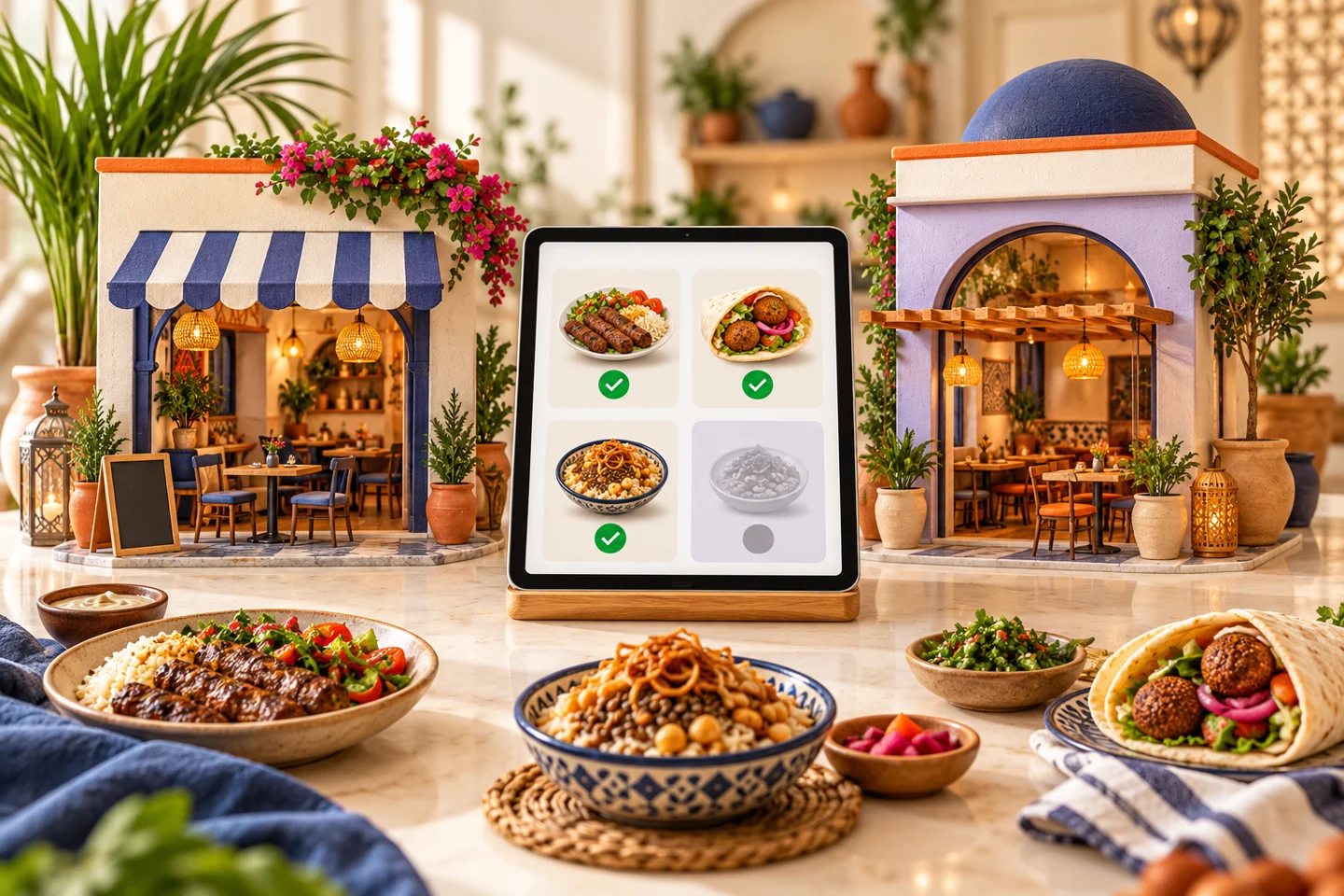
Two branches sharing a logo may have different menus, availability and order-handling routines. Restaurant branch management starts by deciding what is shared, what belongs to each location and who can change it. This protects the customer journey and makes operating reports easier to interpret.
Start restaurant branch management with a location record
For each branch, record its address, hours, service methods and operator. Review products and options it can fulfill, plus delivery arrangements where applicable. A neighborhood name does not define a delivery boundary or establish correct order routing.
Shared information
Brand details, selected product descriptions and photographs may be common. Assigning responsibility helps prevent inconsistent names and simplifies review.
Local information
Availability, operating hours, collection points and delivery arrangements may differ. Test which settings can be controlled at each level rather than assuming all updates behave as expected.
Separate owner visibility from branch work
Owners need an overall view; employees need tools and orders relevant to their responsibilities. Test two accounts with different permissions. Let one branch operator change an item's availability, then inspect the owner account and other branch.
Define who handles sensitive changes, cancellations and support requests. When an employee leaves or changes roles, review access rather than continuing to share one login across the team.
Test routing with conflicting conditions
Make an item available at one branch and unavailable at another. Review the customer's choices and follow the resulting order. Test a closed branch and an address requiring service-area review.
Ask how customers select a branch and what happens if they change fulfillment method afterward. “Nearest” does not necessarily mean able to fulfill: availability, hours and service boundaries must also work within the supported process.
Compare branches using consistent definitions
Higher sales do not establish better operations. Locations may have different hours, audiences, products and service methods. Compare the same period, distinguish completed orders from cancellations and review refunds and offers.
Include the direct channel's launch date when comparing a new location with an established one. Do not combine website sales with POS totals until the integration and duplicate-counting rules are clear.
Price the actual branch scope
Elordar provides branch tools, permissions, availability, order follow-up and reporting within merchant-branded channels. Technical capacity for several locations does not establish how many a particular subscription includes.
Request a quote specifying included branches, adding a location, staff training, integration, support and partners. Do not convert an overall multi-location price into a per-branch tariff without confirming the charging unit and service allowance. Name a main operator and backup at every location before launch.
FAQs
Must every branch have an identical menu?
No. Customers need a menu the selected branch can fulfill, with differences controlled and understandable.
Does central administration mean everyone sees everything?
Do not assume that. Review actual permissions and test separate role accounts.
When is a new branch ready?
Approve its information, train the operator and backup, complete an order and test payment, handover and required integration. Then review the first real orders.
Demonstrate differences before agreement
Ask Elordar to demonstrate restaurant branch management using genuine differences between your sites, whether they are in Alexandria or separate Egyptian governorates. Establish what is managed centrally and what needs local ownership.

Branded ordering for the local businesses people already love.
