
 العربية
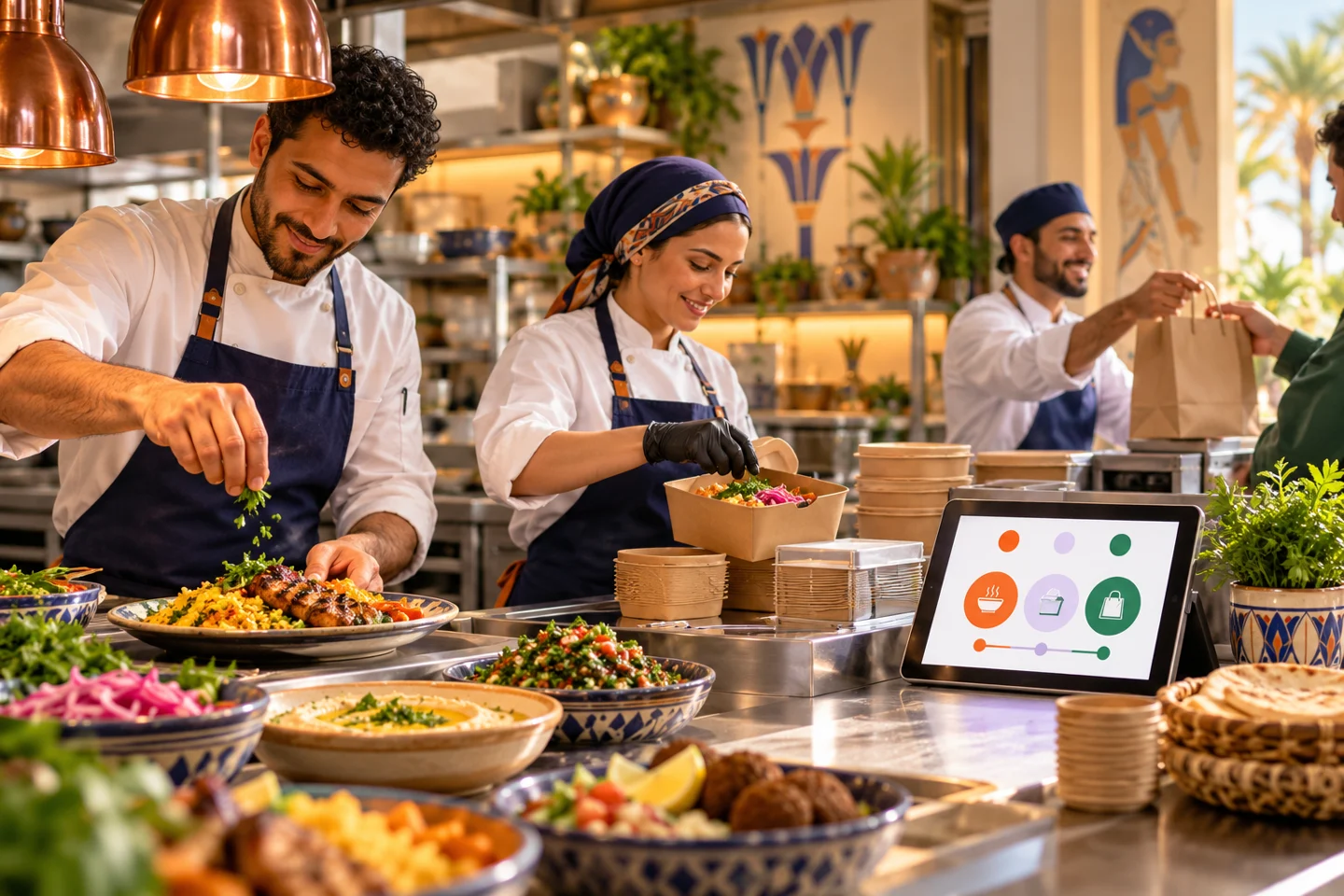
In an Egyptian takeaway restaurant, an order may arrive while each employee assumes someone else accepted it. This is a responsibility problem before it is a screen problem. Restaurant order management software is useful when staff know what arrived, who must act and what the customer needs next.
Test restaurant order management software during a real shift
Map the short journey: order arrival, review, preparation, readiness and collection or delivery. Assign a responsible role to each transition. Different people do not have to perform every step, but ownership must be clear at each moment.
When a new order arrives
The responsible employee needs a noticeable alert and sufficient detail: items, quantities, extras, branch, fulfillment and payment method. Train a backup for breaks and shift changes. An audible alert is ineffective if the device is distant or muted.
Before handing over the order
Check the contents, order number and relevant instructions against the customer or collector. “Ready” and “collected” describe different events. Mixing them creates uncertainty for customers and inaccurate operating records.
Test interruptions to the normal workflow
Send two orders close together, including one with a paid extra. Try an item that becomes unavailable and a case requiring a manager. Record what happens and who receives the information rather than merely noting that a feature appeared in the demo.
Ask how staff follow orders during connection problems, how payment status is checked and how retries are handled to avoid preparing an order twice. These are acceptance questions, not assumptions that the system works offline or resolves every exception automatically.
Make availability a daily responsibility
A takeaway restaurant or bakery may sell out before closing. Decide who changes availability and when it is reviewed. If there are several branches, check that a local update affects the intended location.
Making a product unavailable is different from ingredient stock accounting. You may be able to hide a dish without a recipe system deducting flour or milk. Separate these requirements when assessing the offer.
Train through completed orders
Prepare three rehearsals: pickup, delivery if offered, and an exception requiring escalation. Alternate between the main operator and backup. Each person should perform the steps and explain what they would do after a missed alert or payment discrepancy.
Elordar connects orders with menu information, branches, permissions, alerts and statuses in one dashboard. Staff training is part of launch scope. Delivery, a specific POS connection and payment arrangements still need confirmation and testing for the merchant and supported partners.
FAQs
Must we replace the POS to accept online orders?
Not necessarily. Establish the supported workflow first, including whether it imports menus, transfers orders or does both. Agree the operating method in writing.
Do more alerts mean fewer missed orders?
They can create distraction without ownership. Assign a device, main operator and backup, then test notifications in the working environment.
What should we review at shift end?
Check orders without a final status, cancellations and payment or handover differences. Assign follow-up for each exception rather than reviewing sales alone.
Involve the people who will use it
Request an Elordar restaurant order management software demonstration with your branch operator present. The aim is for staff to complete an order and understand the exceptions that require help before launch.

Branded ordering for the local businesses people already love.
